Onboarding a self-managed fleet
Set up TorqueOS to manage your own maintenance without a workshop link.
TorqueOS works equally well for fleets that look after their own maintenance in-house. You don't need a workshop link — you can run prestarts, log defects, schedule services, and track parts entirely on your own.
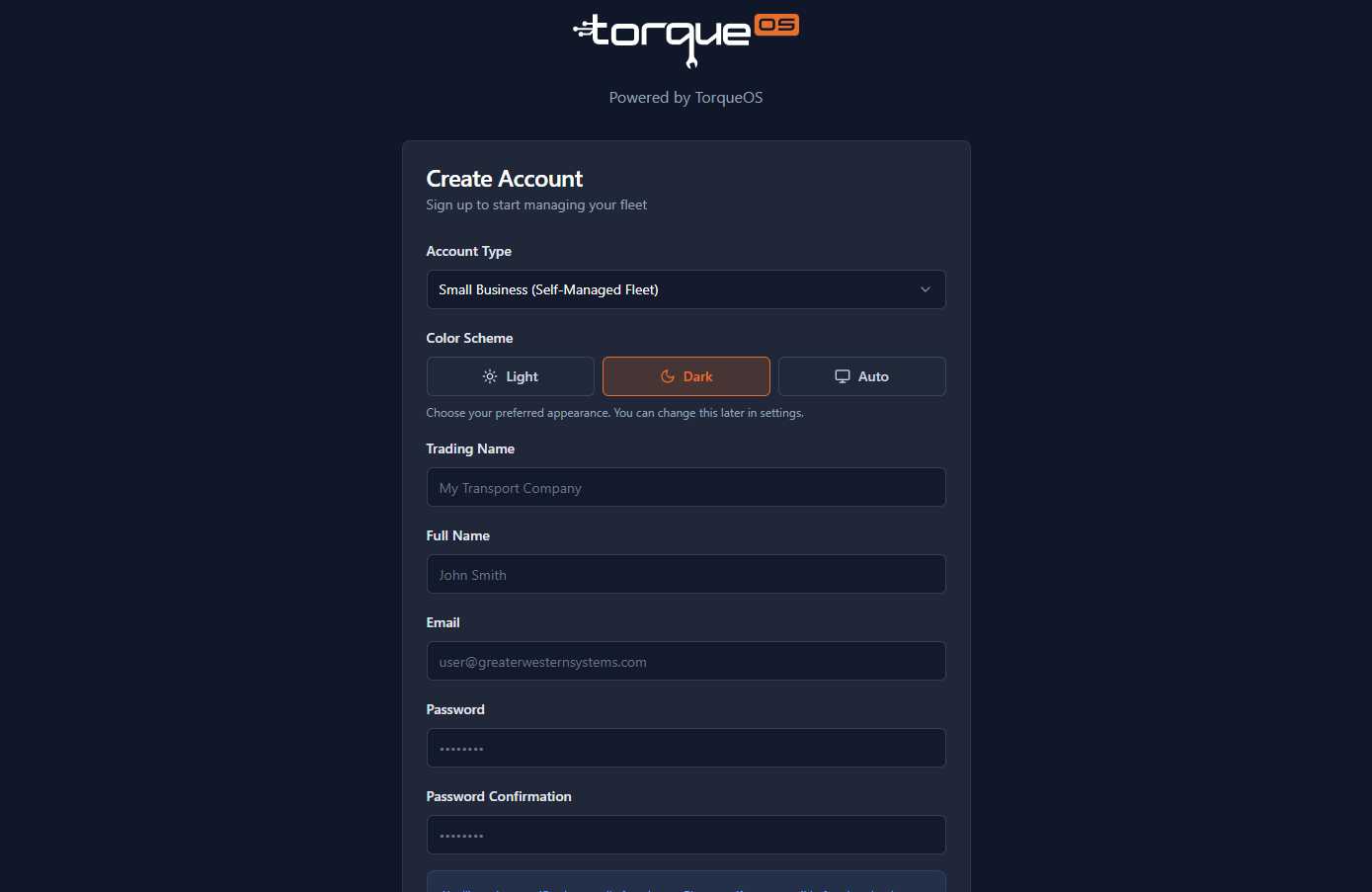
Sign up
- Go to app.torqueos.net/signup.
- Choose Small Business / Fleet as the account type.
- Enter your name, business name, email, and a strong password.
- Confirm the email and follow the onboarding wizard.
Business details
Trading name, ABN, primary contact, and address. These appear on PDFs (defect reports, prestart records, internal work orders) so accuracy matters.
What gets seeded automatically
- A library of prestart templates for common asset types — on-highway, off-road, earthmoving. Use them as-is or duplicate to customise.
- A library of service checklist templates for routine maintenance intervals (If you are a self managed fleet).
Add your first assets
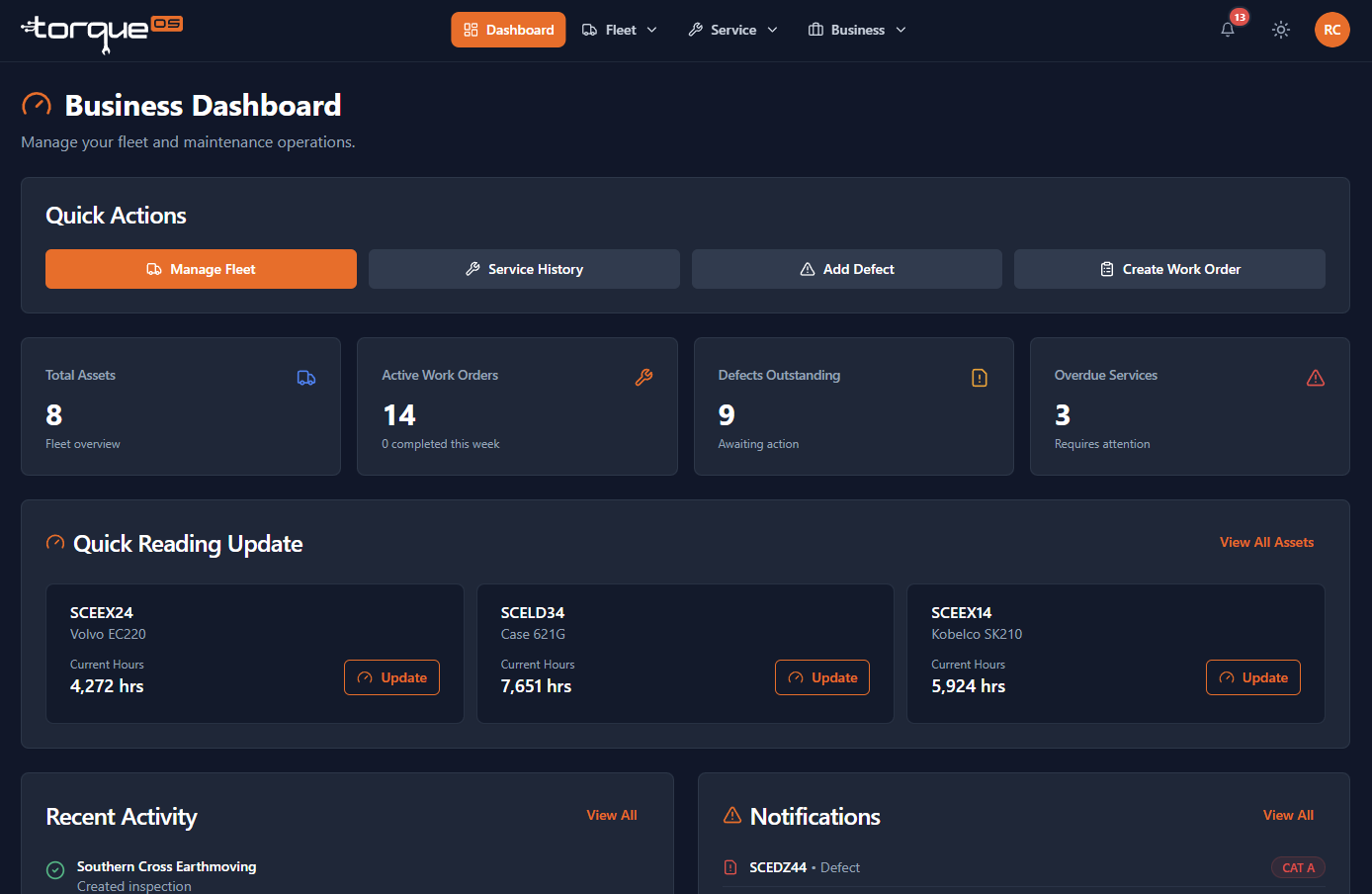
Open Assets and either Add asset for one at a time orImport for bulk via CSV. See Managing your assets for the full walk-through.
Connecting to a workshop later
Self-managed today doesn't lock you out of using a workshop tomorrow. From Settings › Workshop link, search for the workshop and request a link. They accept and gain access to the assets you choose to share. Read Accepting a workshop link.
Still stuck? Email support@torqueos.net with your tenant name and a brief description and we'll get back to you the same business day.