
Reports & dashboards
Track overdue services, completed jobs, and maintenance costs.
TorqueOS ships with two layers of reporting: an at-a-glance dashboard on the home page, and a deeper Reports section with PDF exports for tax-time, customer reviews, or board packs.
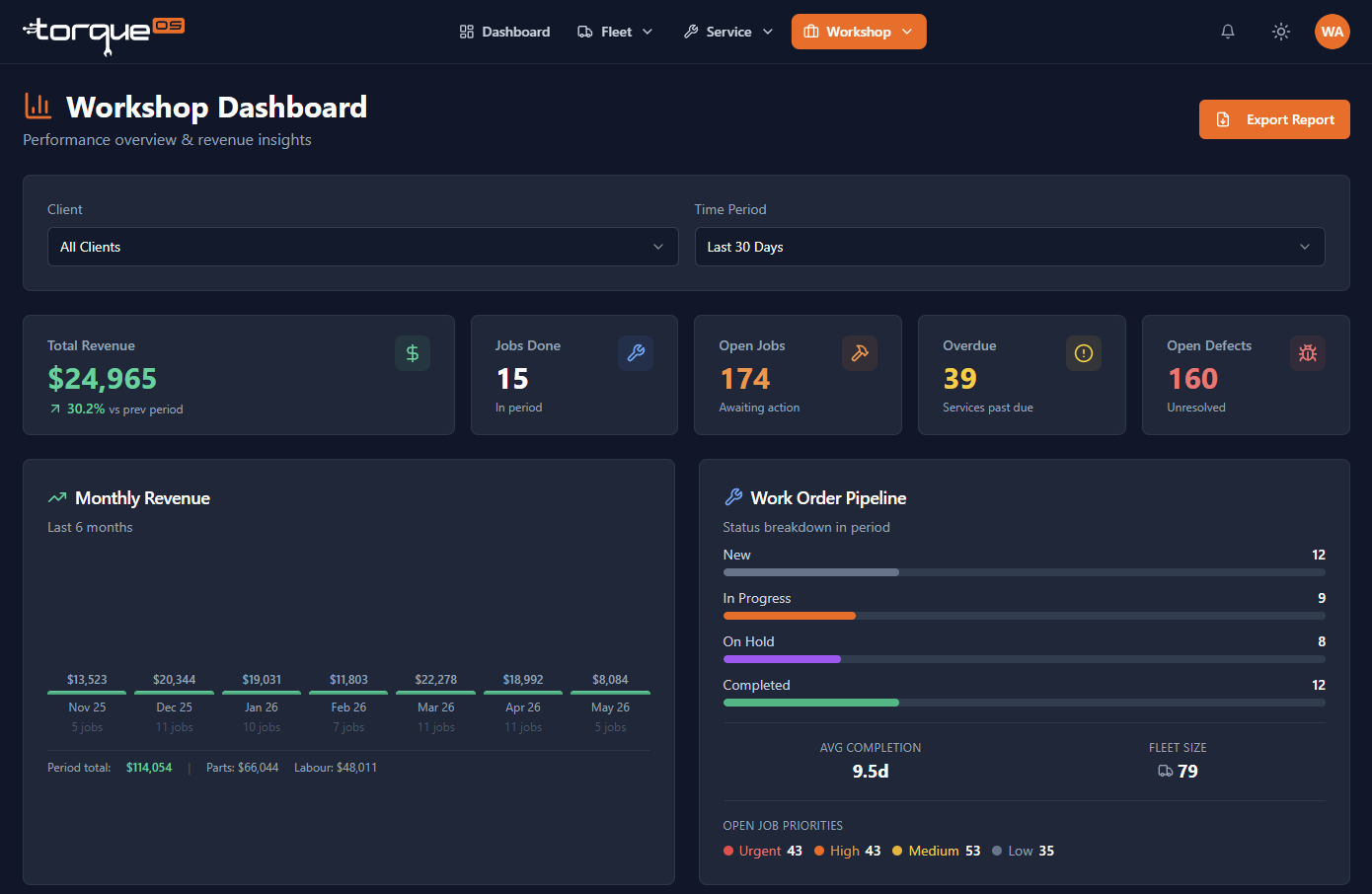
The Workshop dashboard
The home page shows live tiles for total assets, active work orders, completed-this-week, overdue services, customer count, parts on hand, low-stock parts, and (optionally) monthly cost. Tiles link through to the corresponding list view filtered to the right slice.
The Reports section
Open Reports from the side nav for the deeper views:
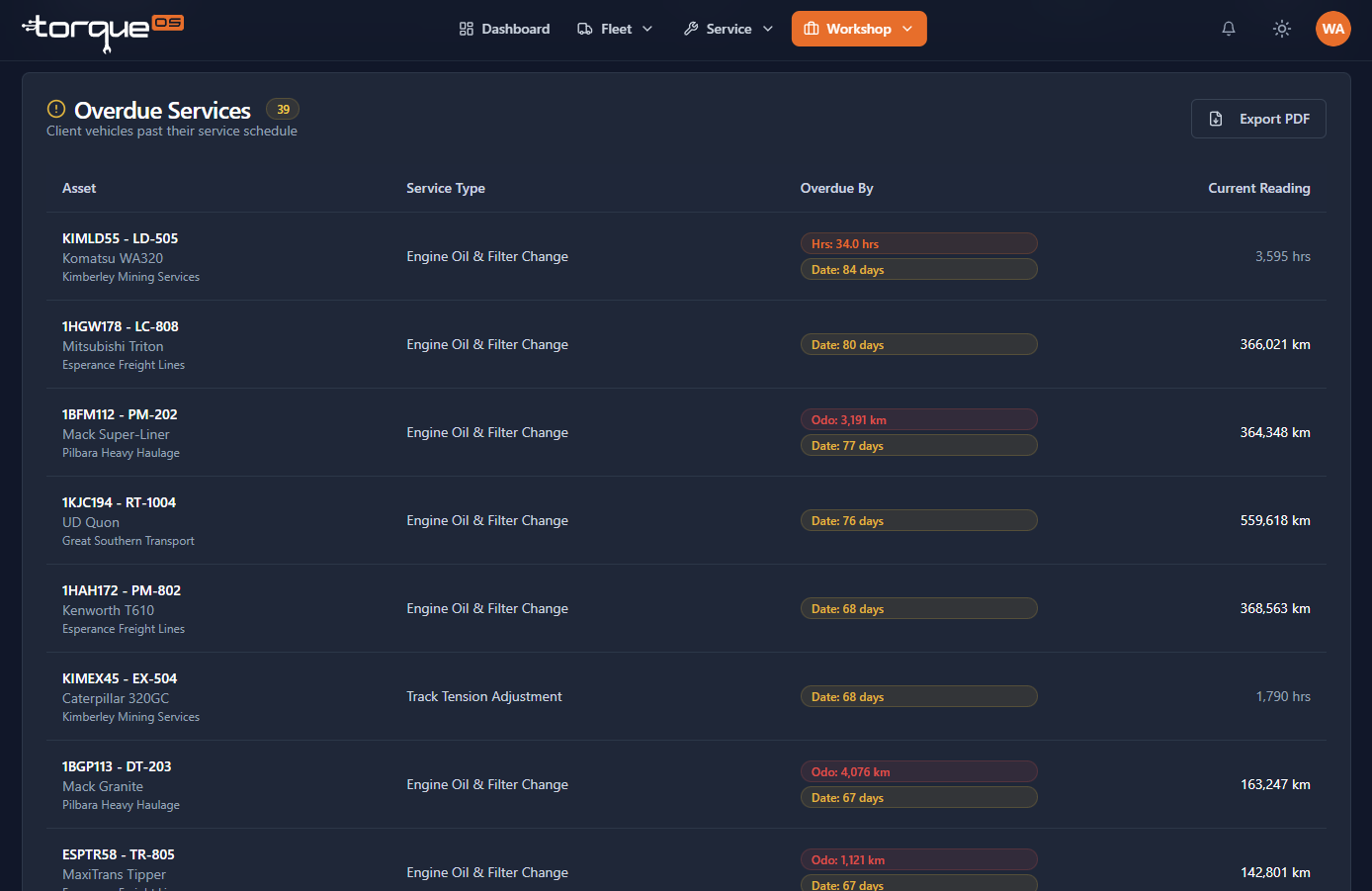
- Overdue services — every asset where a scheduled service has lapsed.
- Completed work orders — for any date range, grouped by client.
- Maintenance costs — labour vs parts vs consumables, by client and asset.
Exporting to PDF
Each report has a download button that renders a clean PDF using your workshop's branding (the business details captured during onboarding plus your logo). Useful for:
- Quarterly review with a client
- End-of-financial-year accountant pack
- Insurance documentation
Who can see reports?
Reports are restricted to Workshop Admin and Fleet Admin. Mechanics and Fleet Users don't see the Reports section at all — they get scoped operational views instead. This is intentional: aggregate cost and revenue data is for owners and admins.
Related guides
Still stuck? Email support@torqueos.net with your tenant name and a brief description and we'll get back to you the same business day.